
How to certify your documents correctly
You'll be asked to upload a number of documents during your application. These must be certified copies of the original documents.
We ask for certification because we need to be sure that the copies of your documents are genuine. The process for certification is below.
How to certify your documents
All uploads to the online form must be certified copies of the original documents.
This means they are photocopies or scans of the originals, which are signed by someone who can verify this ('a person of standing in the community' - see below). They must not be certified by the applicant.

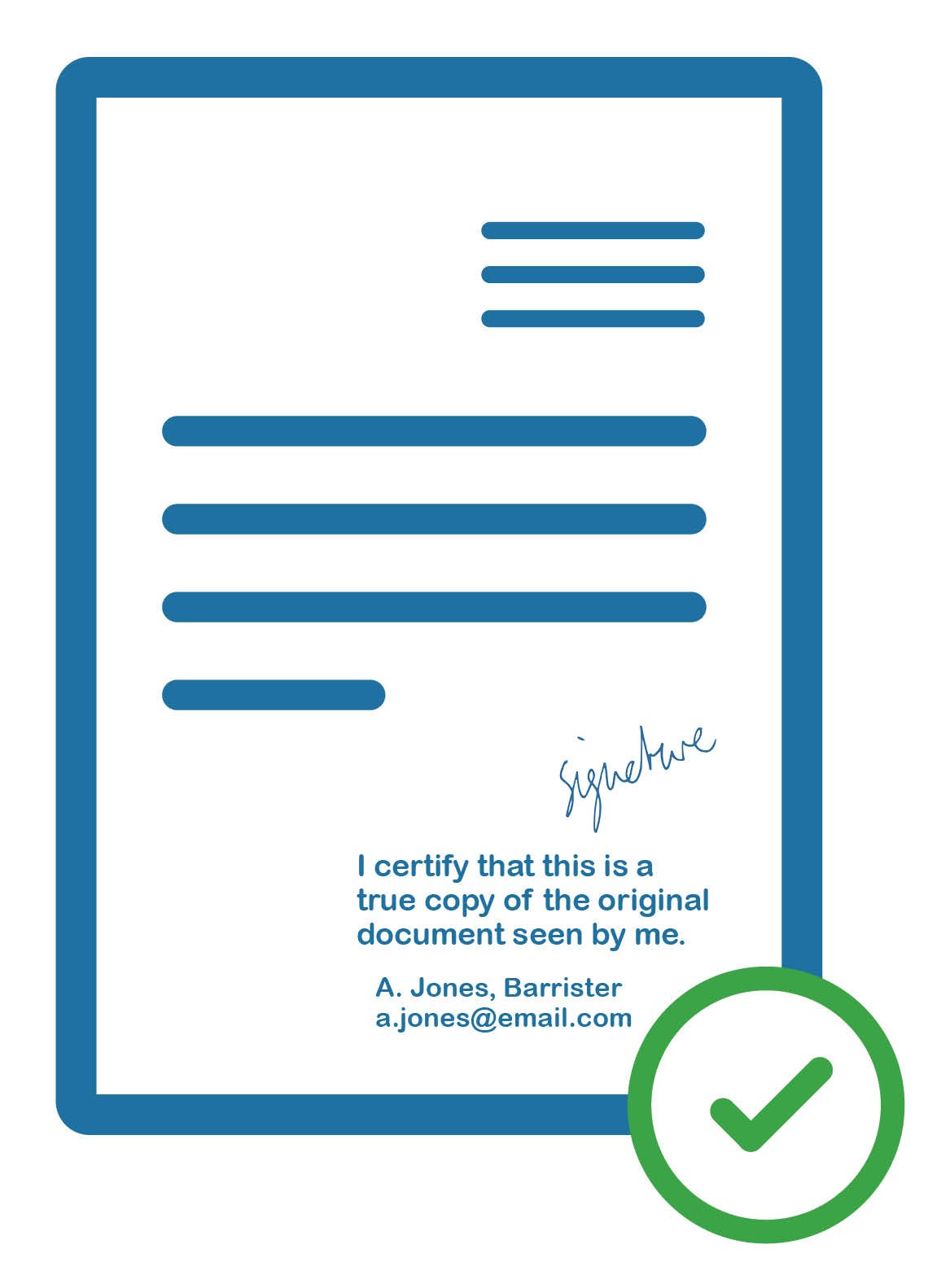
If your uploaded documents aren’t certified correctly, we’ll contact you to request replacements. This will extend the processing time of your application.
How to certify a document
- Take a photocopy of your original document, or scan and print it (this is to preserve and protect the original)
- Show the original document to the person who is certifying it (this cannot be the applicant)
- Ask the person certifying the document to write on the copy with the following:
The statement "I certify that this is a true copy of the original document seen by me"
Their signature
Their name, full professional title (no abbreviations) and their contact telephone number or email address - Scan the certified copy, so that you have a digital file (PDF, JPG or PNG)
- Upload this file to your application
The certification must include all of the information listed in point 3.
The certification must be hand-written on the photocopy or printed copy of the original document.
The certification must not be written on a separate piece of paper and scanned alongside the original document.
We don't be able to accept documents that don't meet these requirements.
Certification text
Certification is to ensure that the individual document provided is genuine and not forged. A certified document must show the hand-written certification text. This must be provided on each individual copy - we cannot accept batch certifications.
The certifier should hand-write the following on each individual copy of the document:
- The words “I certify that this is a true copy of the original document seen by me”
- The certifier's signature
- The certifier's name, full professional title (no abbreviations) and their contact telephone number or email address
If the certification doesn't include all of the above, we won't be able to accept it.
Who can certify my documents?
The person certifying your documents must be a person of standing in the community with an appropriate relationship to you.
Person of standing:
Most individuals who hold positions of professional responsibility are considered a person of standing. Examples include:
- Registered health and care professionals
- Professionals such as lawyers, solicitors, accountants and notaries
- Teachers and lecturers
- Bank managers, investment managers, stockbrokers
- Officers in the British Armed Forces
- Justices of the Peace, consular officers or other judicial officials
- Religious officials such as ministers of the Church of England, rabbis, imams and others
- Members of Parliament
If your certifier is HCPC-registered, we ask that you include their registration number alongside their contact details.
We accept certification from services such as the Post Office. If you are unsure whether we will accept your certification, please contact us.
Appropriate relationship:
The person of standing must not be:
- related to you;
- living at the same address as you;
- in a relationship with you; or
- your patient or employee.
As long as they meet all of the other requirements for someone certifying documents, the person certifying your documents may be your employer.
Issues uploading documents
If your document doesn’t upload correctly or displays in a different section, this may signify that you’ve already submitted an application for registration using a paper form. You’ll need to contact our team to let them know which of these applications you wish to continue and which should be withdrawn.
You can do this by emailing international@hcpc-uk.org with your application numbers if you have them.
